> For the complete documentation index, see [llms.txt](https://docs.nmkr.io/llms.txt). Markdown versions of documentation pages are available by appending `.md` to page URLs; this page is available as [Markdown](https://docs.nmkr.io/jp/nmkr-studio/akaunto/mintokpon.md).

# ミントクーポン

#### ミントクーポンとは？

NMKR Studioの各アカウントには、独自のアカウント残高としてミントクーポンがあります。

これらのミント・クーポンは、[手動ミント](https://docs.nmkr.io/nmkr-studio/minting/manual-minting)、[エアドロッパー](https://docs.nmkr.io/nmkr-studio/minting/airdropper)、[ミントされた後のトークン編集](https://docs.nmkr.io/nmkr-studio/token/edit-after-mint-reveal)、プロジェクトの[ロイヤリティ](https://docs.nmkr.io/nmkr-studio/project/royalties)設定に使用されます。

基本的に、顧客からの要求に応じてミントされないすべてのものに対してミント・クーポンを購入する必要があります。

<figure><img src="/files/mM5c2w7J40F1UjUEdEnv" alt=""><figcaption></figcaption></figure>

### ミント・クーポン購入

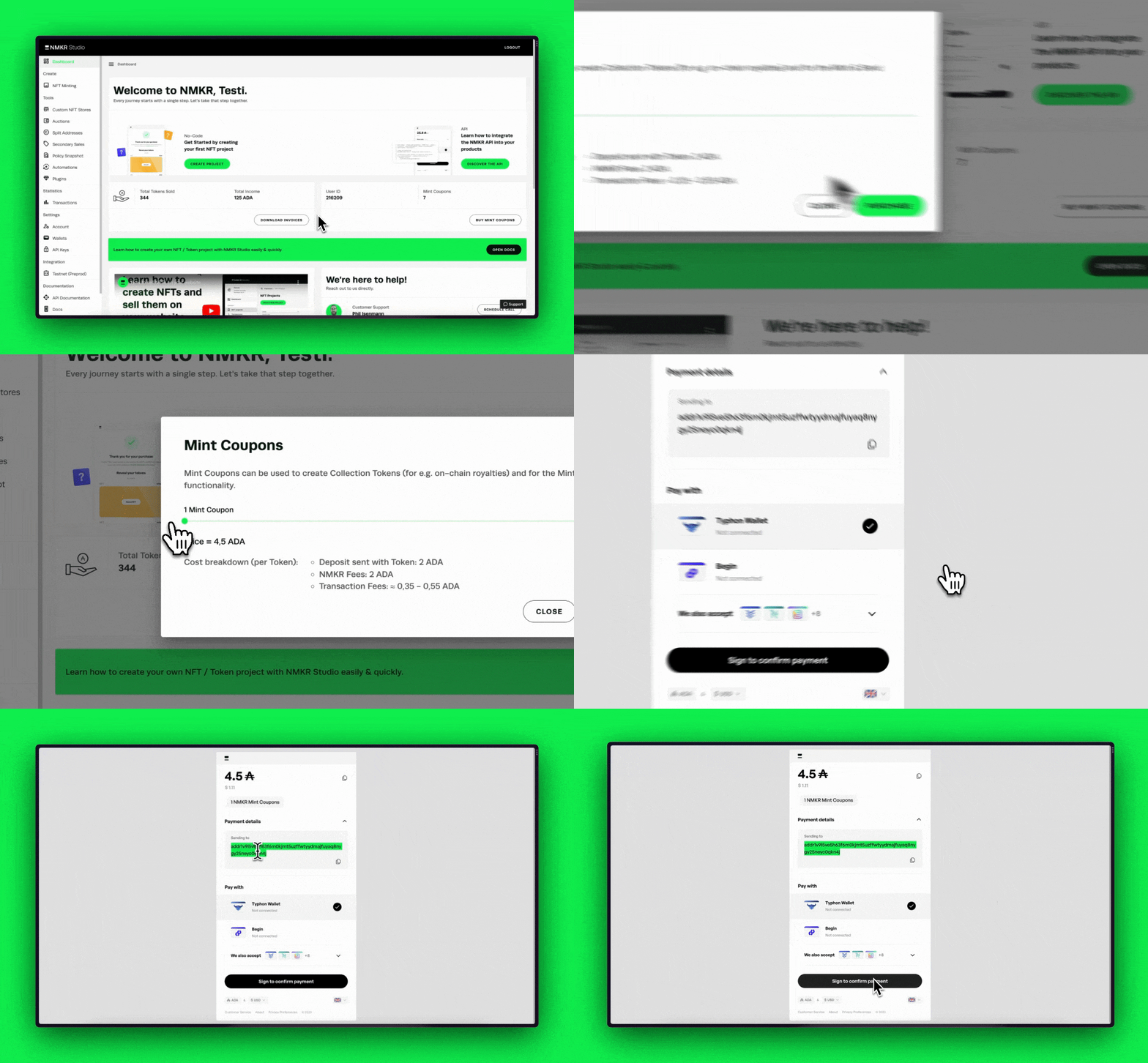
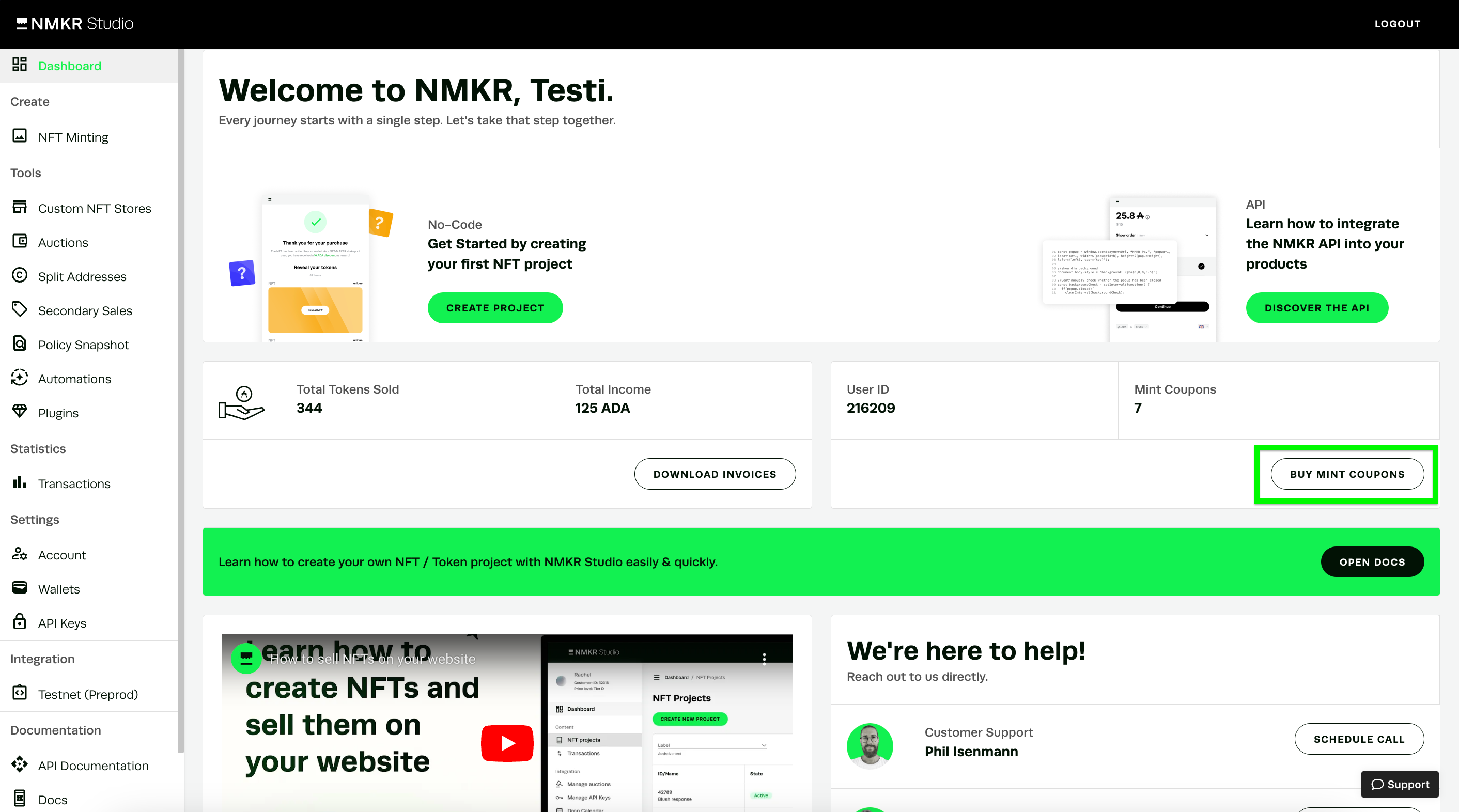
ミント・クーポンを購入するには、ダッシュボードに移動し、「ミント・クーポンを購入する」をクリックしてください。

<figure><img src="/files/LHf1cYevqfIWqTZHJzpP" alt=""><figcaption></figcaption></figure>

次のステップで購入したいトークンの量を選択します。

NMKR Payがポップアップ表示されます。ウォレットで取引に署名してください。

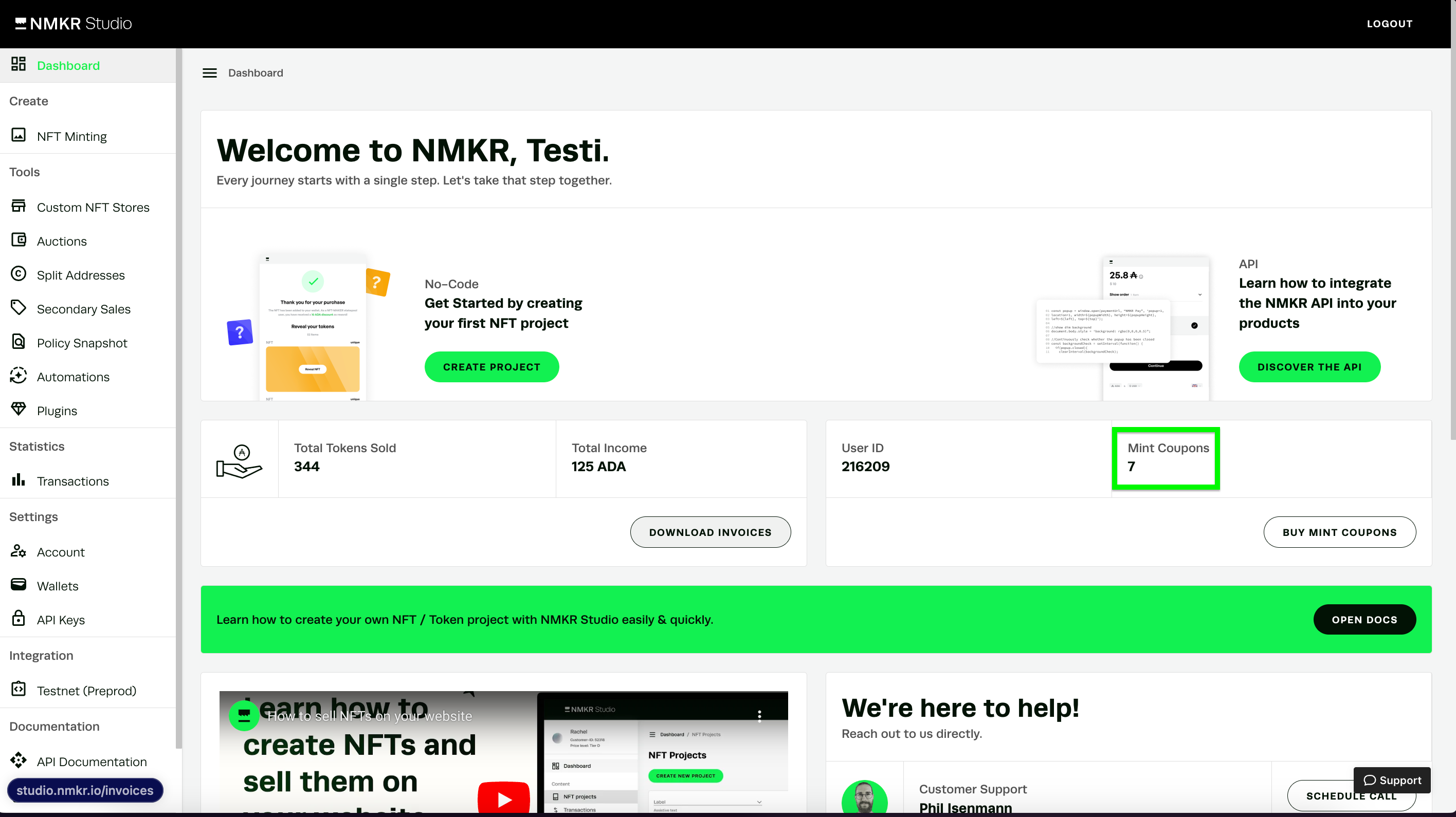
支払いが完了すると、残高が利用可能なミント・クーポンとしてお客様のIDに表示されます。

<figure><img src="/files/uKBTIO7Dp7L0jYuBAo78" alt=""><figcaption></figcaption></figure>

### コスト内訳のミント・クーポン

ミントクーポン1枚は、合計4,5ADAです。このミントクーポン1枚で、[手動で](https://docs.nmkr.io/nmkr-studio/minting/manual-minting)トークン1枚をミントするか、[エアドロッパーで](https://docs.nmkr.io/nmkr-studio/minting/airdropper)トークン1枚を送ることができます。

ミントされた後の[NFT編集には](https://docs.nmkr.io/nmkr-studio/token/edit-after-mint-reveal)2ADAしかかかりませんので、ミント・クーポン全体が差し引かれることはなく、ADAが残ります。

4,5 ADAミントクーポンの内容は以下の通りです。

* 2 ADA NMKR料金
* 2 ADA MinUtxo (顧客へのセンドバック)
* 0,2～0,7 ADAネットワーク手数料（取引とメタデータのサイズによる）


---

# Agent Instructions
This documentation is published with GitBook. GitBook is the documentation platform designed so that both humans and AI agents can read, navigate, and reason over technical content effectively. Learn more at gitbook.com.

## Querying This Documentation
If you need additional information that is not directly available in this page, you can query the documentation dynamically by asking a question.

Perform an HTTP GET request on the current page URL with the `ask` query parameter, and the optional `goal` query parameter:

```
GET https://docs.nmkr.io/jp/nmkr-studio/akaunto/mintokpon.md?ask=<question>&goal=<endgoal>
```

`ask` is the immediate question: it should be specific, self-contained, and written in natural language.
`goal` is optional and describes the broader end goal you are ultimately trying to accomplish on behalf of the user. GitBook uses it to tailor the answer towards what is most useful for that goal.

The response will contain a direct answer to the question and relevant excerpts and sources from the documentation.

Use this mechanism when the answer is not explicitly present in the current page, you need clarification or additional context, or you want to retrieve related documentation sections.