> For the complete documentation index, see [llms.txt](https://docs.nmkr.io/llms.txt). Markdown versions of documentation pages are available by appending `.md` to page URLs; this page is available as [Markdown](https://docs.nmkr.io/jp/nmkr-studio/fan-mai-she-ding/tkunwoburokkusuru.md).
# トークンをブロックする
トークンがランダムに、または特別に販売されないようにします
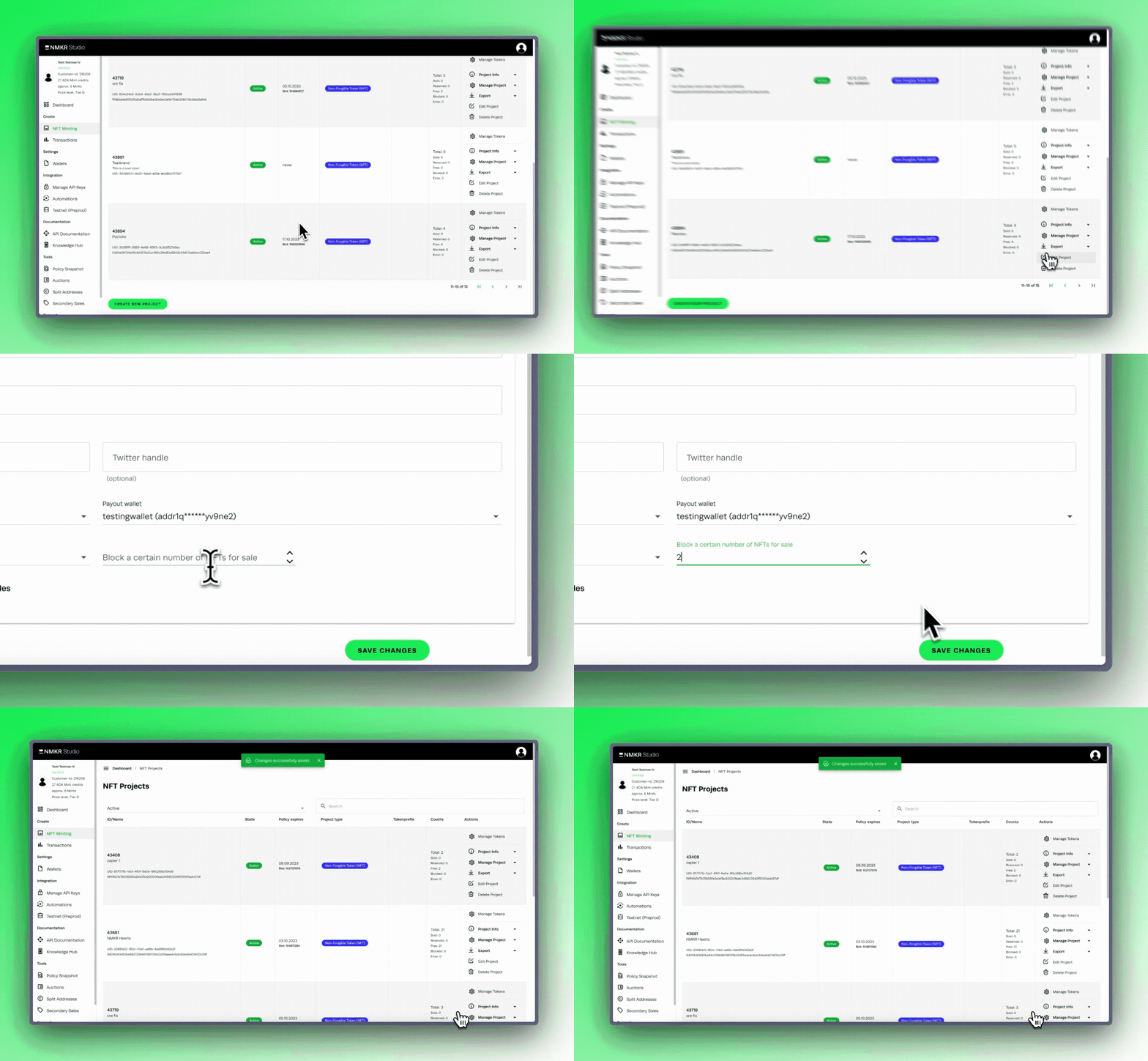
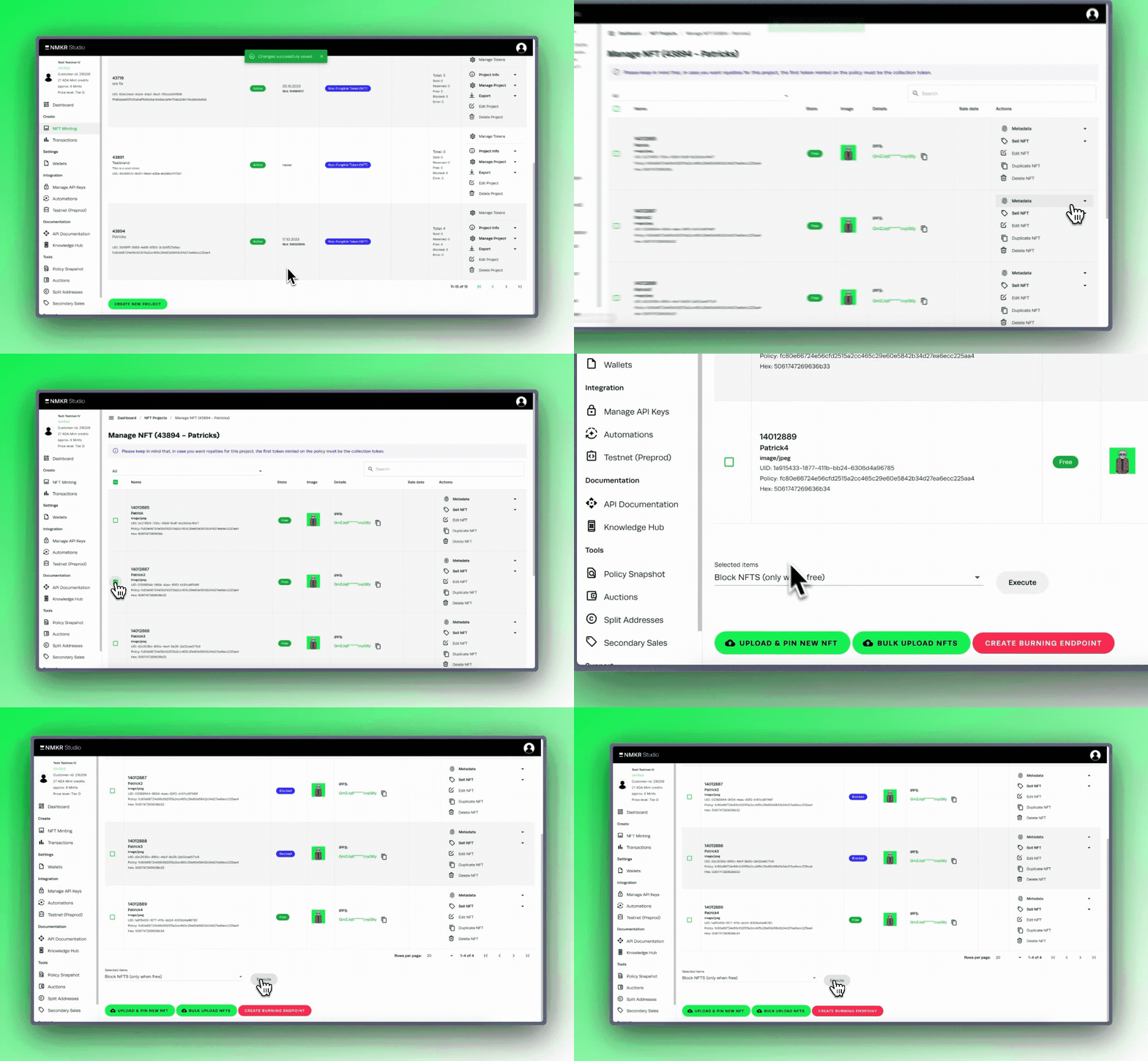
NMKR Studioでは、一定量のランダムなトークンが販売されるのを阻止することも、特定の量のトークンが販売されるのを阻止することもできます。
#### 一定量のランダムトークンをブロックする
あなたのプロジェクトからランダムなトークンが販売されないようにする最善の方法は、プロジェクトの「編集」タブを使用することです。詳しくは[この部分をお読み](https://docs.nmkr.io/nmkr-studio/project/edit#block-nfts-from-sale)ください。
#### 特定のトークンの販売をブロックする
特定のNFTを販売からブロックするには、そのNFTを選択し、NFTを管理タブでブロックする必要があります。詳しくは[この部分をお読み](https://docs.nmkr.io/nmkr-studio/token/manage-tokens-tab#block-specific-nfts)ください。