> For the complete documentation index, see [llms.txt](https://docs.nmkr.io/llms.txt). Markdown versions of documentation pages are available by appending `.md` to page URLs; this page is available as [Markdown](https://docs.nmkr.io/nmkr-studio/account/invoices.md).
# Invoices
Download your invoices for your accounting
### Download Invoices
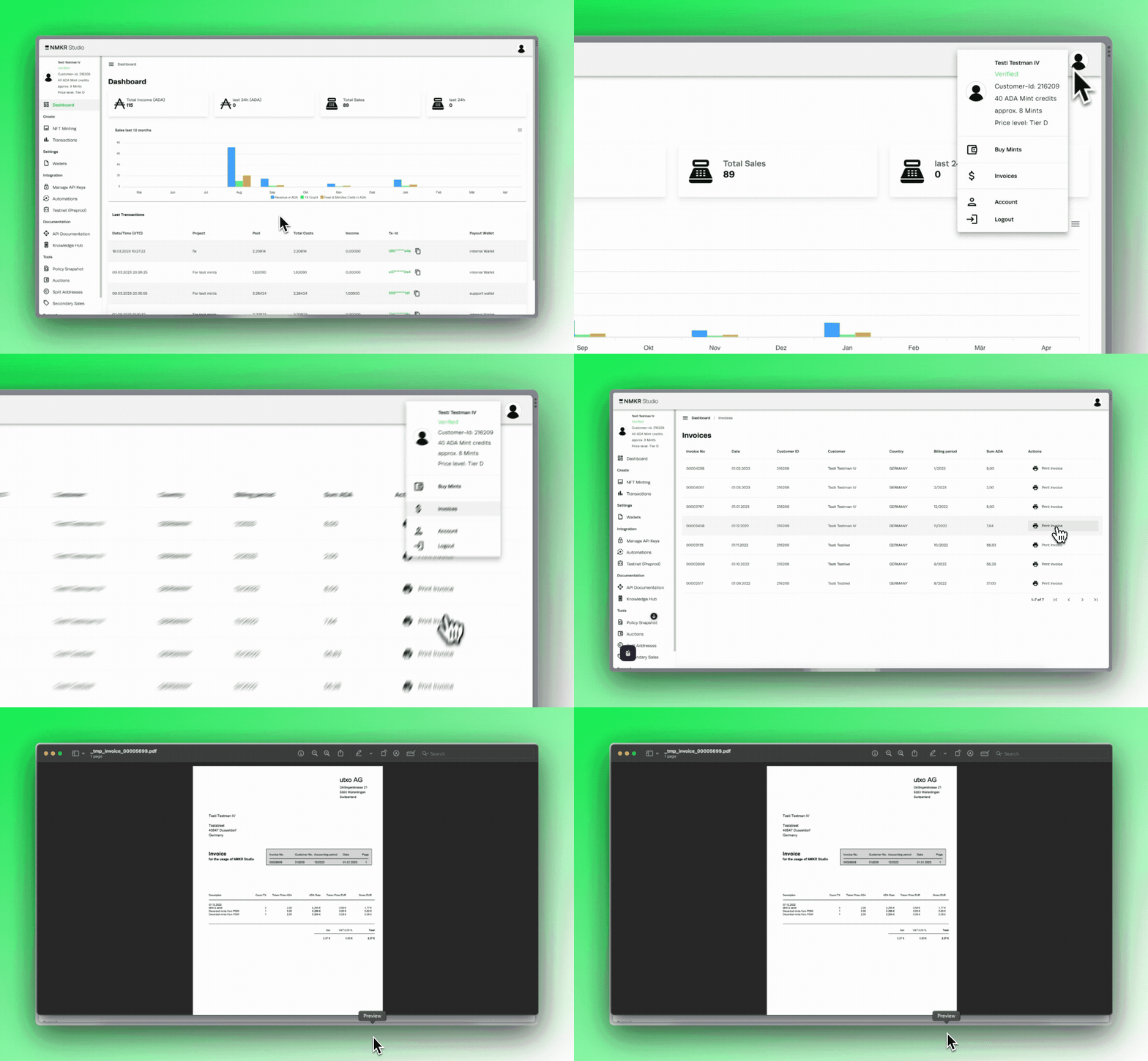
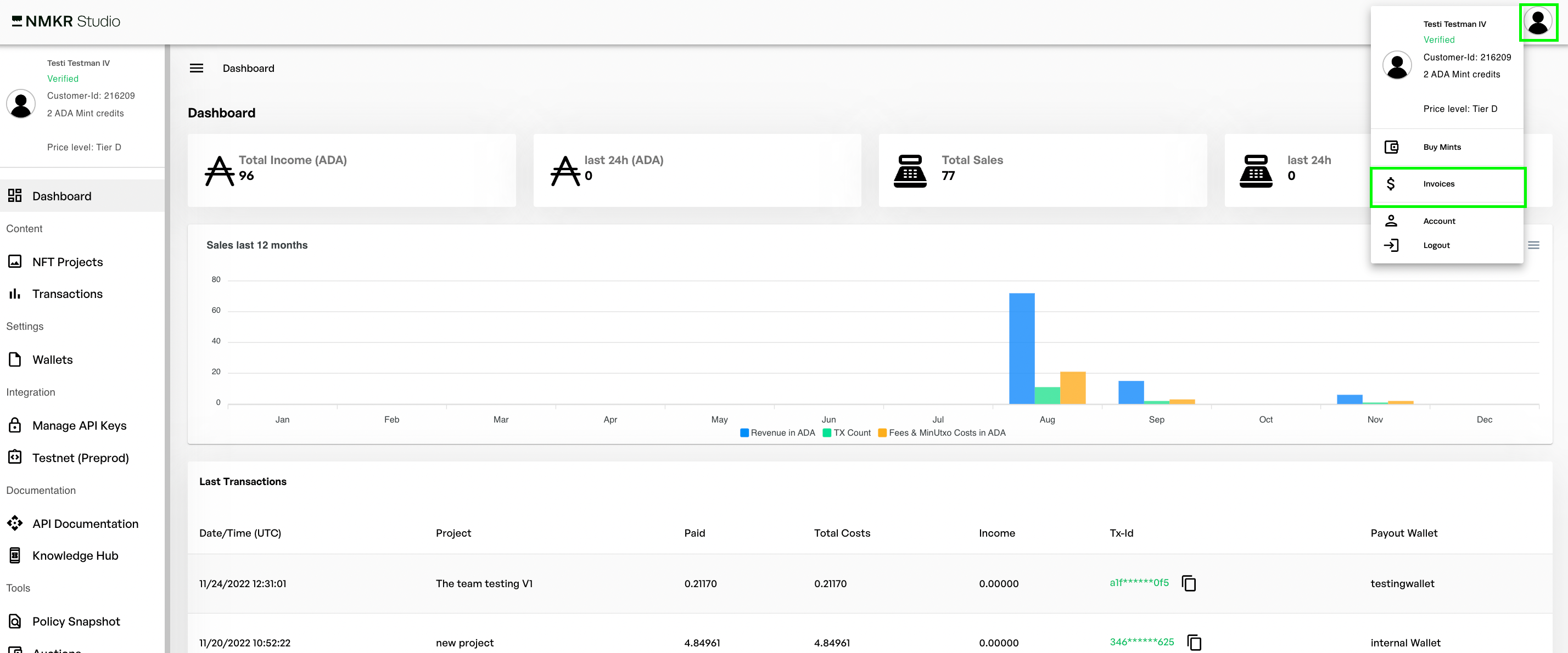
To download your invoices, please click on the account button first and then select “Invoices” from the dropdown.
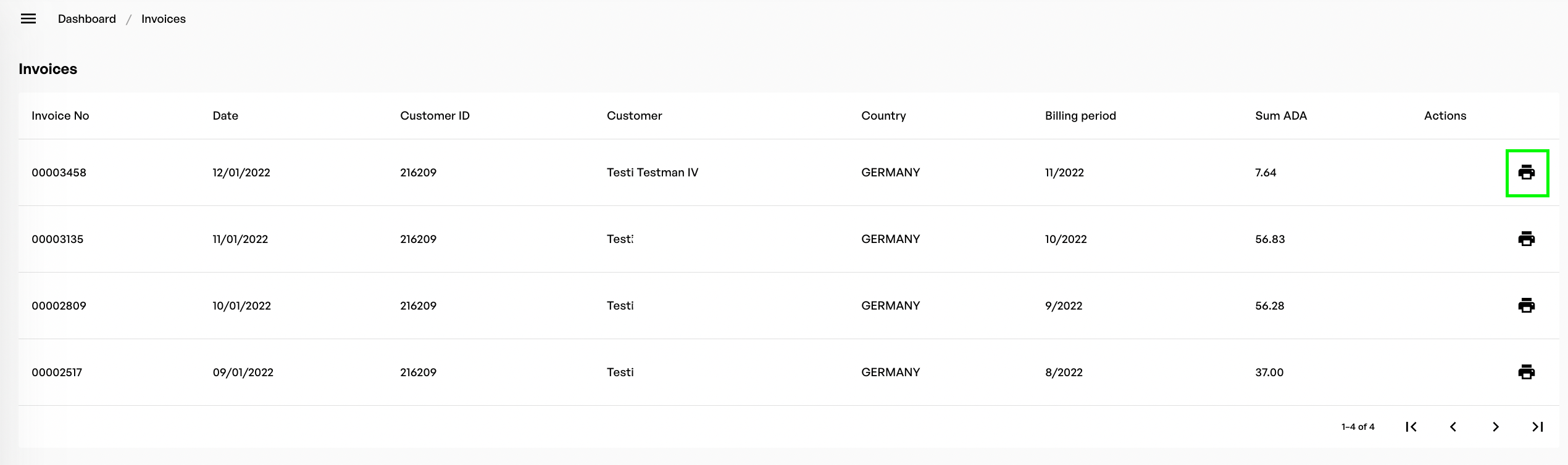
The following tab shows you an overview of all invoices by billing period. One billing period is one month. If you want to download the Invoices, please click the download/print button to download or print the pdf invoice.