> For the complete documentation index, see [llms.txt](https://docs.nmkr.io/llms.txt). Markdown versions of documentation pages are available by appending `.md` to page URLs; this page is available as [Markdown](https://docs.nmkr.io/nmkr-studio/project/export-nft-as-csv.md).
# Export NFT as csv
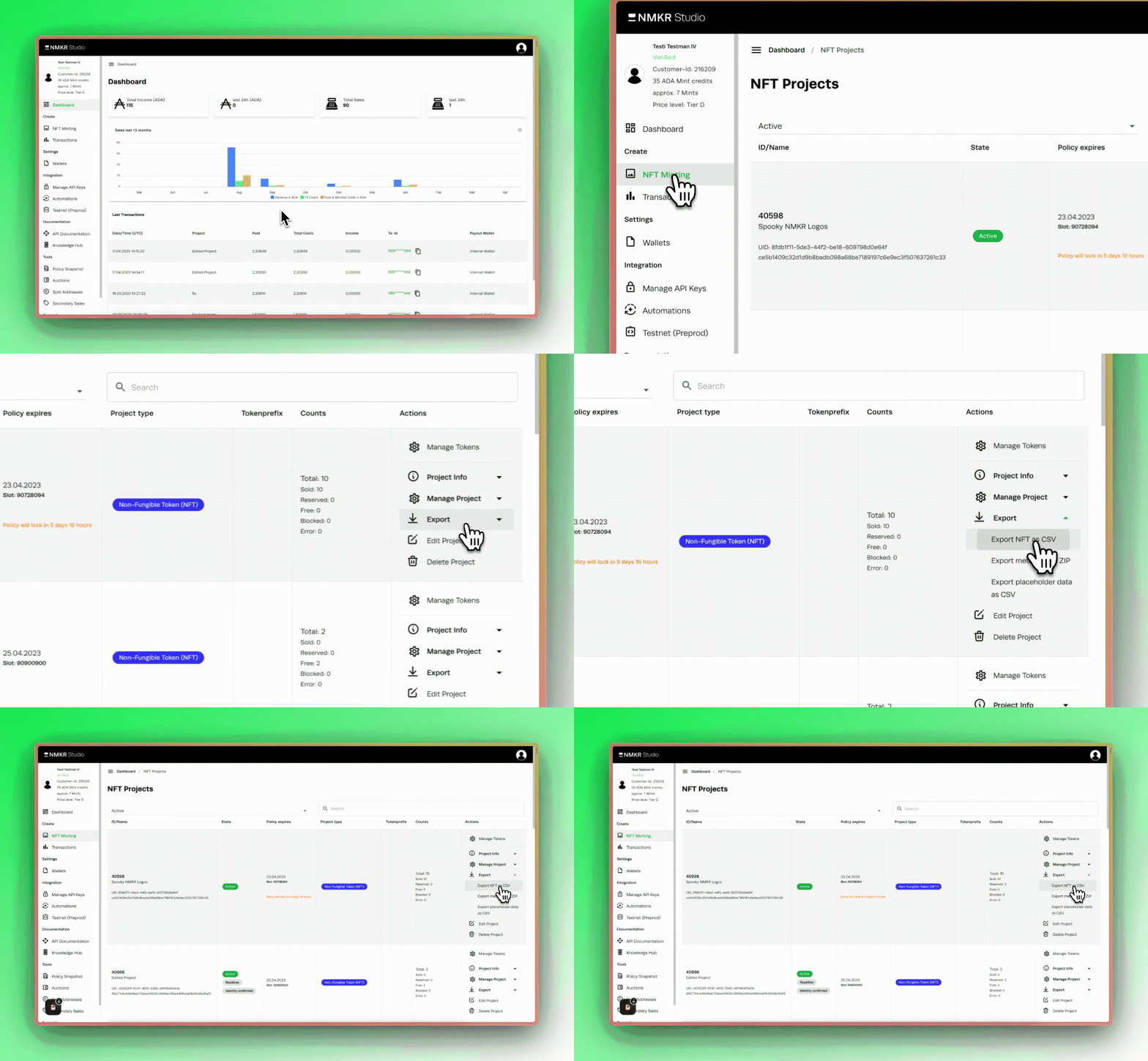
Export your project details as csv.
This option allows you to download a csv sheet that contains all data about the tokens iny our project.
The downloaded csv file will now contain the following information about each token in your project and can be viewed in any spreadsheet-software like Excel or Google Sheets.
* Token ID
* Token UID
* Tokenname
* Displayname
* Detaildata
* IpfsHash (mainfile)
* State
* Minted (false or true)
* PolicyId
* AssetId
* Assetname
* Specific Payment Gateway Link
* IsSubfile (false or true)
* MainFileId