> For the complete documentation index, see [llms.txt](https://docs.nmkr.io/llms.txt). Markdown versions of documentation pages are available by appending `.md` to page URLs; this page is available as [Markdown](https://docs.nmkr.io/nmkr-studio/set-up-sales/block-tokens.md).
# Block Tokens
Block Tokens from being sold randomly or specifically
With NMKR Studio you can block either a certain amount of random tokens from being sold, or also a specific amount of tokens from being sold.
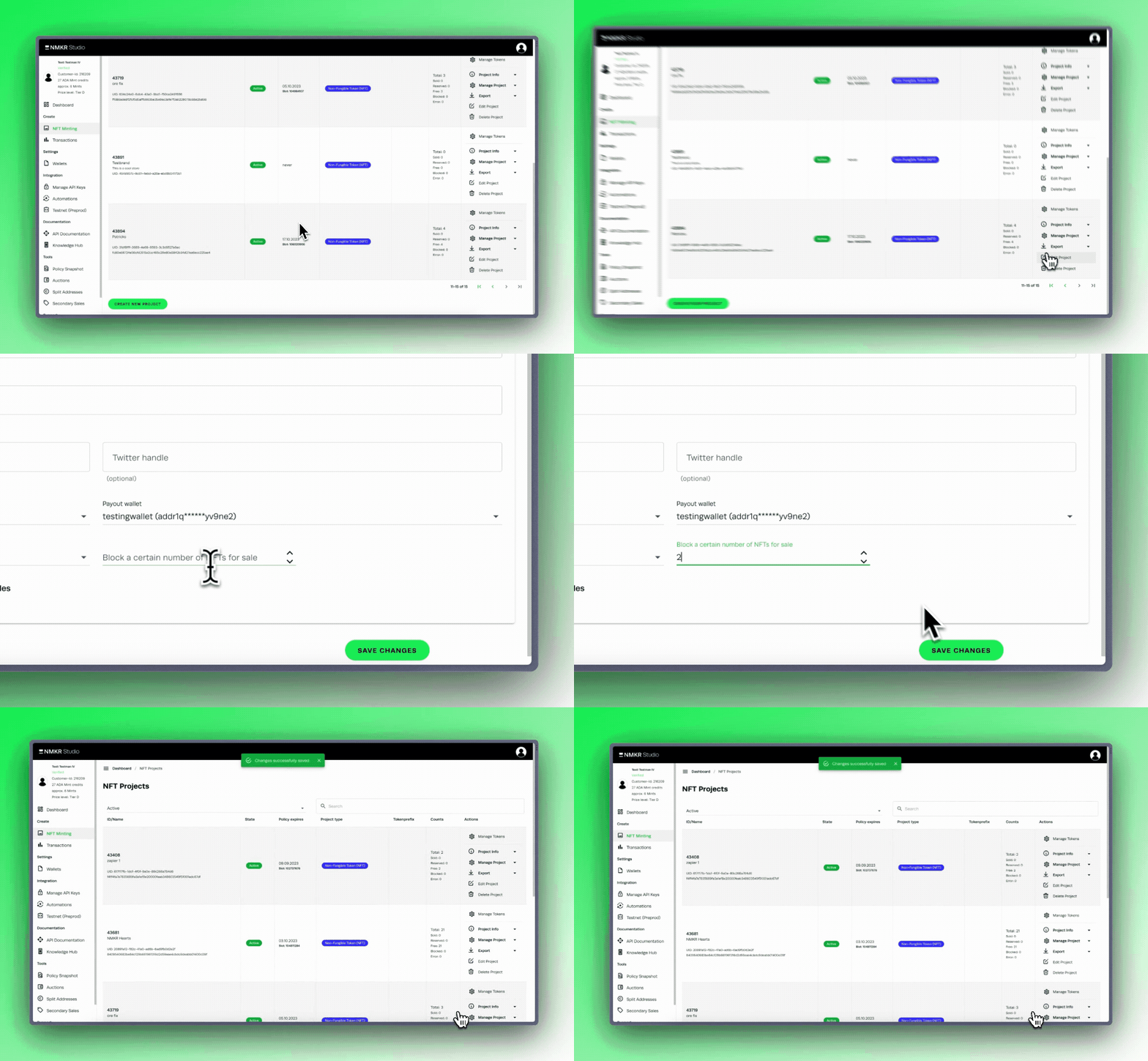
### Block a certain amount of random tokens
The best way to block random tokens out of your project from being sold is via the Edit tab of your project.[ Please read this part of the documentation to learn more about it](https://docs.nmkr.io/nmkr-studio/project/edit#block-nfts-from-sale).
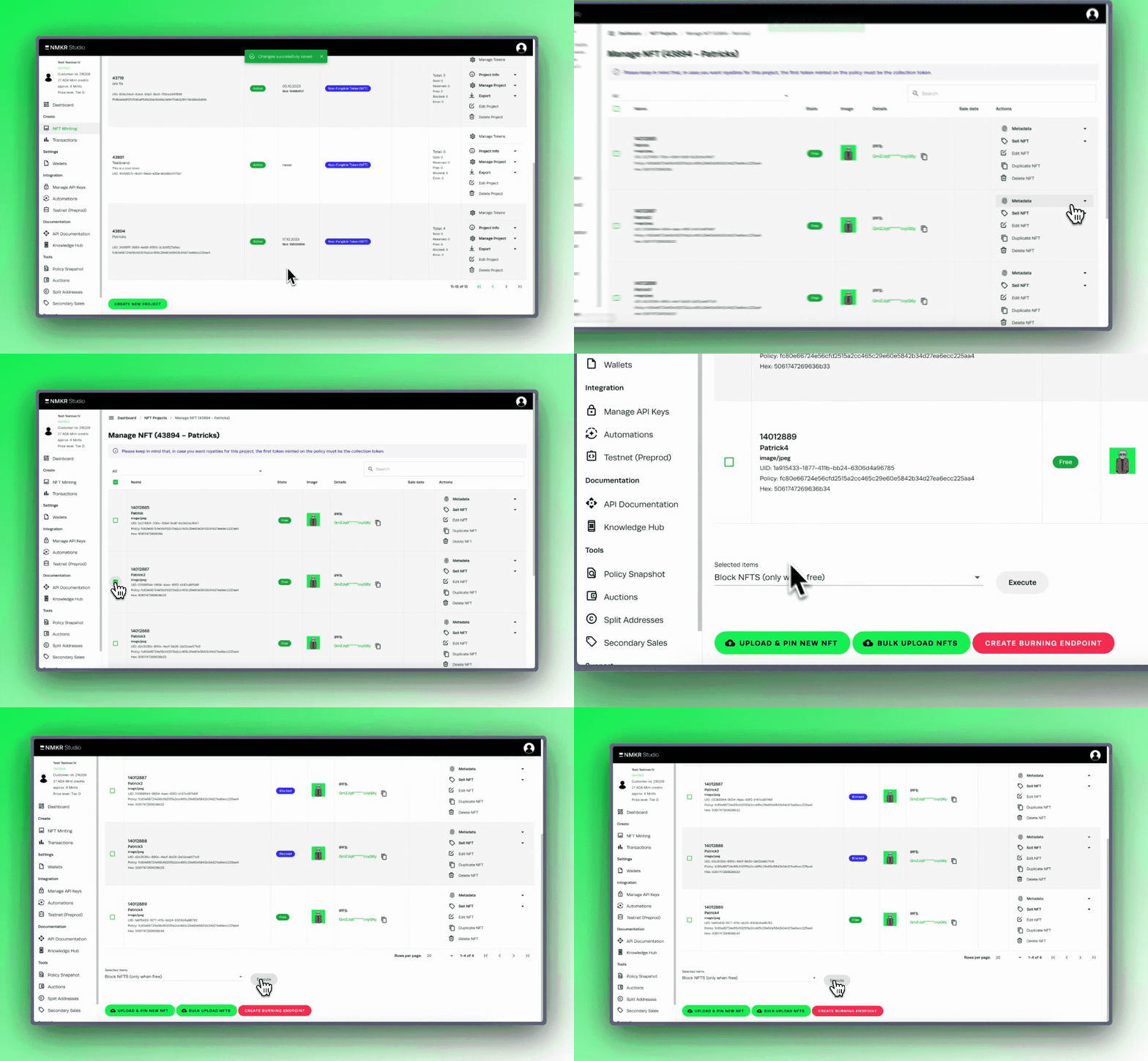
### Block specific tokens from being sold
To block specific NFTs from being sold you have to select them and block them in the manage NFTs tab. [Please read this part of the documentation to learn more about it](https://docs.nmkr.io/nmkr-studio/token/manage-tokens-tab#block-specific-nfts).